Upload
Upload a spreadsheet of your stock or your customers. The file is encrypted while it’s kept.

Home › Switching to Motoflo
Export your stock and customers from your current system as a spreadsheet, and bring them in yourself or with us. Nothing is saved until you’ve seen a dry run.
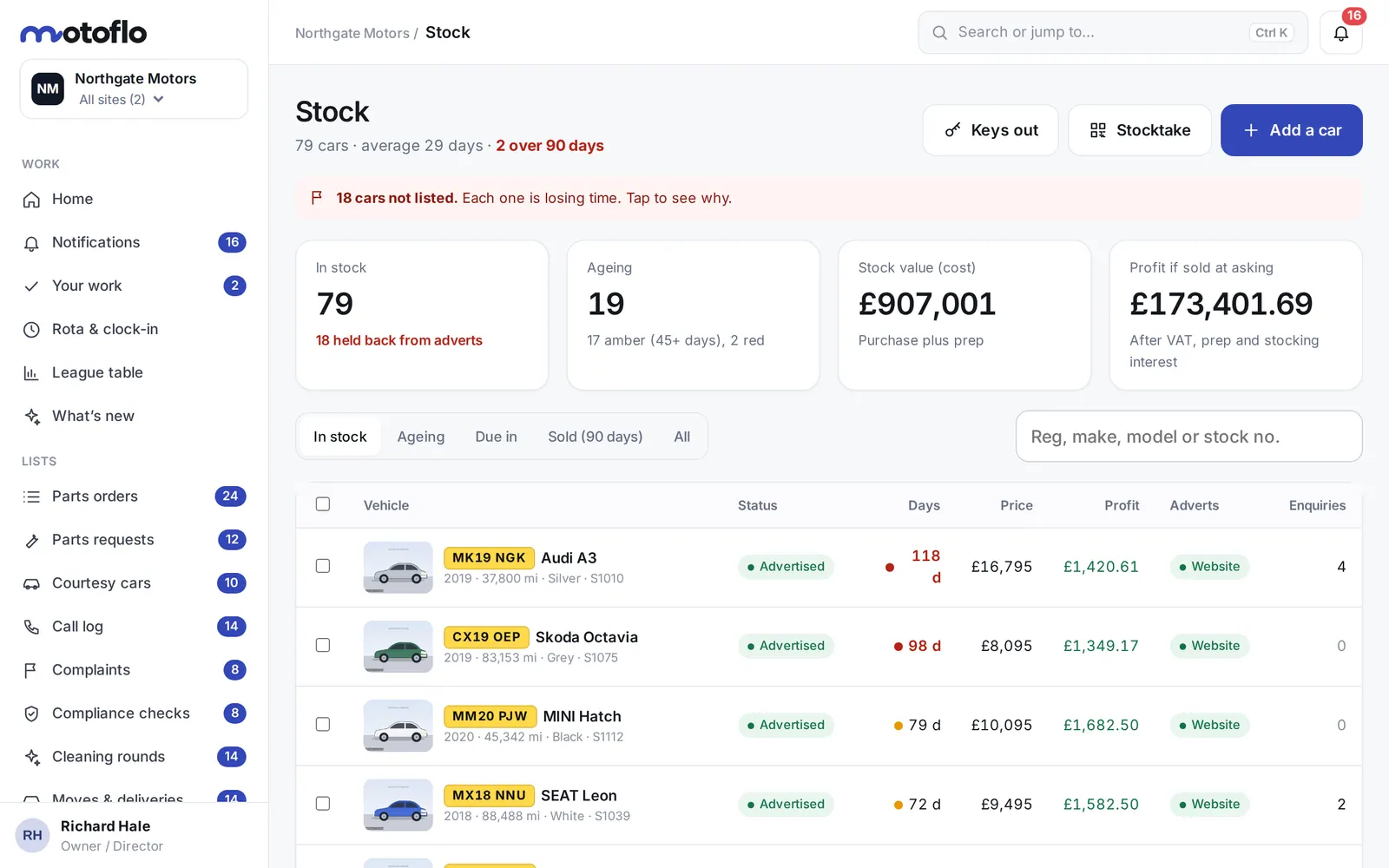
Upload a spreadsheet of your stock or your customers. The file is encrypted while it’s kept.
Motoflo matches the columns it recognises and you match the rest. Save the matching to use again.
See what would happen, row by row, before anything is saved. A car or customer that appears twice is left out and the dry run says so.
Run it. New records are added, and an existing record only has its blanks filled in.
Not right? Roll the whole import back, after confirming it’s you.
Registration, make, model, mileage, prices, dates, stock number, status, VAT status and more.
Names, contact details and addresses. A blank opt-in stays blank; only a yes or a no is recorded as consent.
Something else? Ask us or book a demo.
A CSV spreadsheet, which any system can export.
Yes. Roll it back, after confirming it’s you.
Yes, as part of setup and migration: £499 once if you pay monthly, free if you pay yearly.
Not today. The importer brings stock and customers.
People allowed to edit stock or customers. A salesperson can’t.
Security, imports, status and support.
Which outside accounts each feature needs.
Priced by the number of cars in stock, with no fee per user. Free for up to 3 cars.

Start free or book a demo. We reply within 1 working day.